Campaign idea
The Memory Banner
Auto-built posters of returning attendees in last year's photos. Nostalgia sells the ticket.
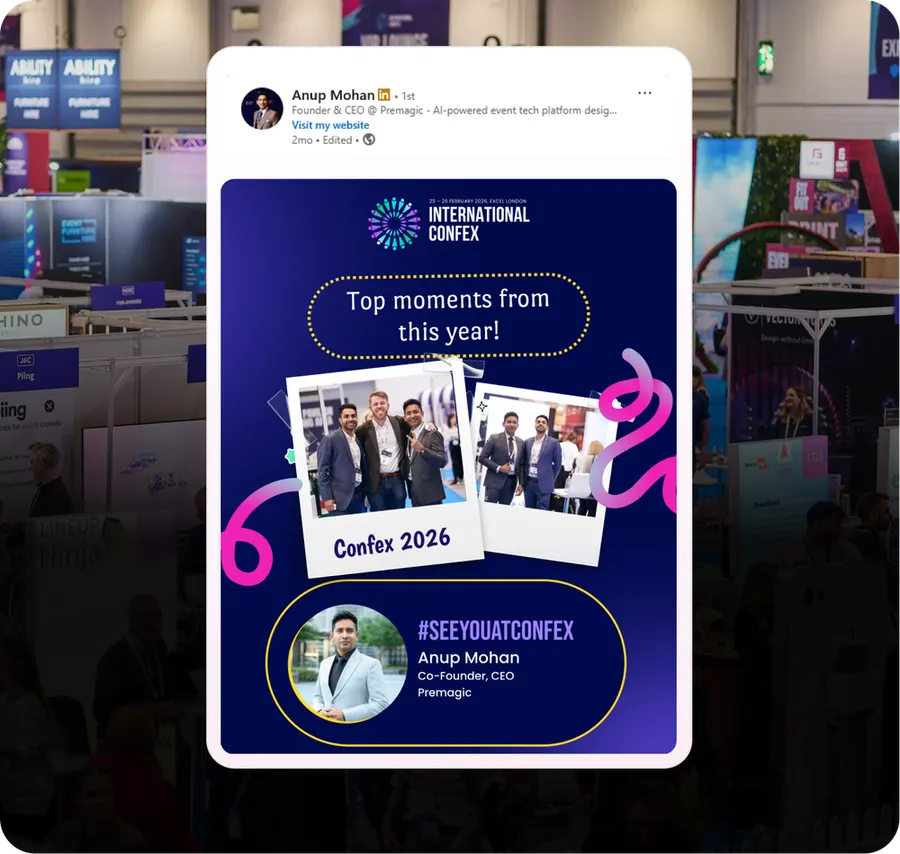
What it is
You already have thousands of photos from the last edition, and face recognition already knows who is in them. So instead of emailing past attendees a generic 'we're back' announcement, you email each of them a poster of themselves at your event last year.
It is the single highest-response asset most organisers have, and it costs nothing to produce beyond the photos you already own.
- When to run it
- Before the event
- Who does the sharing
- Attendees
- What it's for
- Registrations, Return attendance
- Effort
- Medium effort
Timing: The day registration opens for the next edition, before any other email.
Why it works
- Past attendees are the warmest, cheapest audience you have - and this is the most personal thing you can send them.
- It answers 'was it any good?' with evidence rather than a claim.
- They post it, and their network sees a real person having a real time at your event.
- It reactivates people who drifted after one edition without needing a discount.
How to run it
- 1
Face-match last edition's gallery
Run recognition across the archive so every past attendee is linked to the photos they appear in.
- 2
Pick the best two or three photos per person
Automatically, on framing and clarity. A bad crop undoes the whole effect.
- 3
Build the poster with next year's dates
'You were here. Here's when we're back.' The photo carries the emotion; the dates carry the ask.
- 4
Send it as the re-open announcement
This should be the first email of the new cycle, not a follow-up to a generic one.
- 5
Add a returning-attendee offer
A small, time-boxed price advantage on top of the nostalgia. The combination converts far better than either alone.
Set it up in Premagic
The steps above are the campaign. These are the clicks.
- 1
Connect the previous edition's gallery
Premagic indexes past-edition photos per attendee. If you ran photo distribution last time, the archive is already matched.
- 2
Set the design and branding
Pick a template that fits the event's identity and add the new edition's dates, venue and sponsor logos.
- 3
Generate a banner per past attendee
Each one pulls from that specific person's gallery. Their face, their moment, your new dates.
- 4
Deliver by email or WhatsApp
Send with a pre-written caption and a registration link attached.
- 5
Track shares, clicks and registrations
See which past attendees drove the most reach, and follow up with the ones who did.
Best fit for
- Recurring events with a returning attendee base
- Annual conferences, summits and flagship industry gatherings
- Events chasing early registrations from a warm audience
- Organisers who want organic reach without paid amplification
- Multi-edition events where long-term attendee relationships are part of the brand
What you need
- Last edition's photo archive
- Face recognition linking photos to people
- Past attendee contact list
What to measure
- Open and click rate against your normal announcement email
- Returning-attendee registration rate
- Shares of the memory poster
Go deeper: How to Fill an Event in the Event Advocacy Playbook.
Or read the original write-up on the Premagic blog.
Campaigns that pair with this one
The Previous-Edition Photo Drop
Resurface last edition's best moments and tag the people in them. Their networks see the event before you have spent a rupee on ads.
The Post-Event Afterburn
The two weeks after the event are the cheapest registrations you will ever get for the next one.
 Before
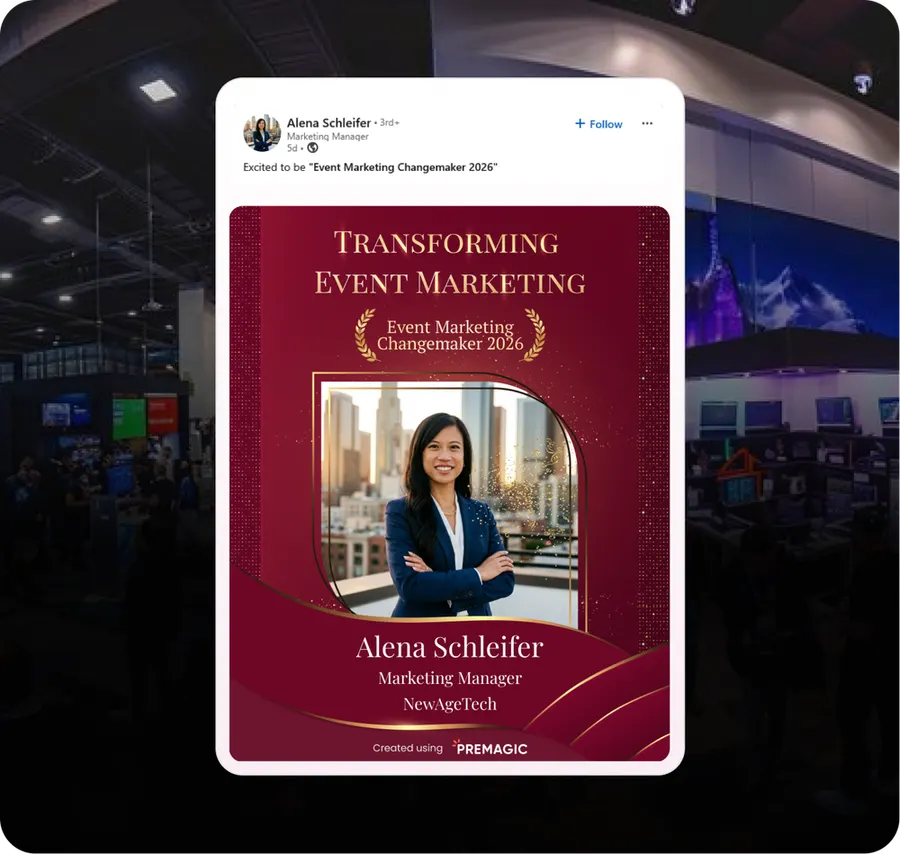
The Attendee Recognition Badge
Make attending a status symbol. A badge people post because of what it says about them.
We'll build the campaign with you
Premagic runs the assets, the tracking and the nudges - so the campaign actually ships instead of sitting in a plan.